Firmware and software faults
Interrupted updates and corrupted system files leave the TV unstable, slow or stuck in a boot loop.
Smart Television Service
Smart TV problems can be software or hardware. We separate the two: firmware, storage and network issues are corrected on the set, and where the fault turns out to be the Wi-Fi module, main board or memory, the hardware repair is explained before it is carried out.
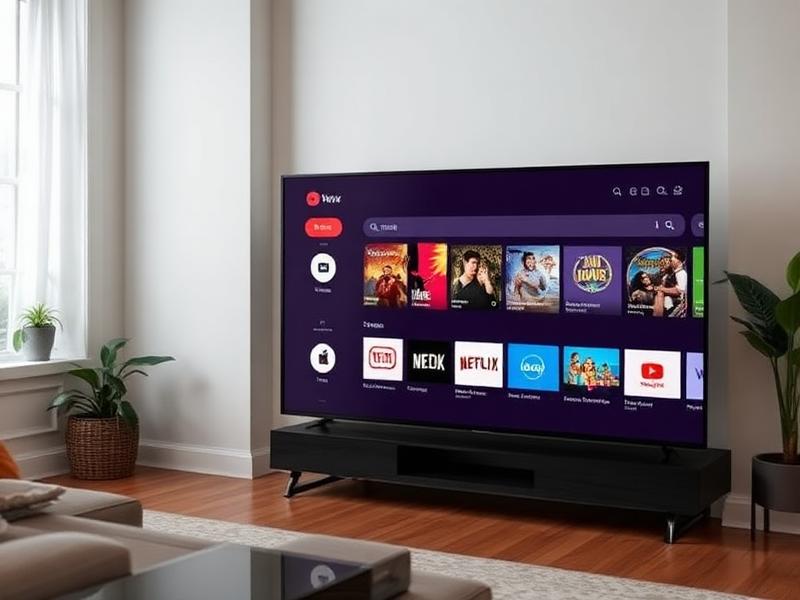
Interrupted updates and corrupted system files leave the TV unstable, slow or stuck in a boot loop.
When internal memory fills up or memory cells degrade, apps crash, updates fail and the interface becomes sluggish.
A weak or failed wireless module causes repeated disconnections even when other devices connect to the same router without trouble.
Processor or memory faults on the main board produce freezing, restarts and startup failures that software resets cannot fix.
Do not open the television or work on its internal parts yourself. Panels and power boards hold stored electrical charge even when unplugged, so internal work should be left to a technician.
Share your details and we will call you back.
How it works
Four clear steps, from your first message to a tested television.
Send your TV type, brand, problem and area through the form, phone or WhatsApp.
We confirm a convenient slot and a technician reaches your address with tools.
The TV is inspected, the actual fault is identified and explained to you.
Repair or part replacement is carried out after your approval, then tested.
Not always. Crashes are commonly caused by full storage, an outdated app version or a corrupted firmware update. The technician checks software first and only looks at the board when software work does not resolve it.
Yes in many cases. A boot loop can come from a failed update, which can often be recovered, or from a memory fault on the main board, which needs component-level repair.
If a reset or firmware reload is needed, apps and logins are removed, so the technician will tell you before doing it and help you set the TV up again.
We work with the common platforms used on Android TV, Google TV, WebOS, Tizen and manufacturer-specific systems.
Tell us what is wrong with your TV and request professional repair service.