Audio output setting or mute state
The TV may be set to an external output such as Bluetooth, ARC or optical, so the internal speakers stay silent.
Audio Service
Audio faults range from a simple output setting left on Bluetooth to a failed amplifier stage on the main board. We test each source and output path, then repair or replace whatever is actually causing the silence or distortion.
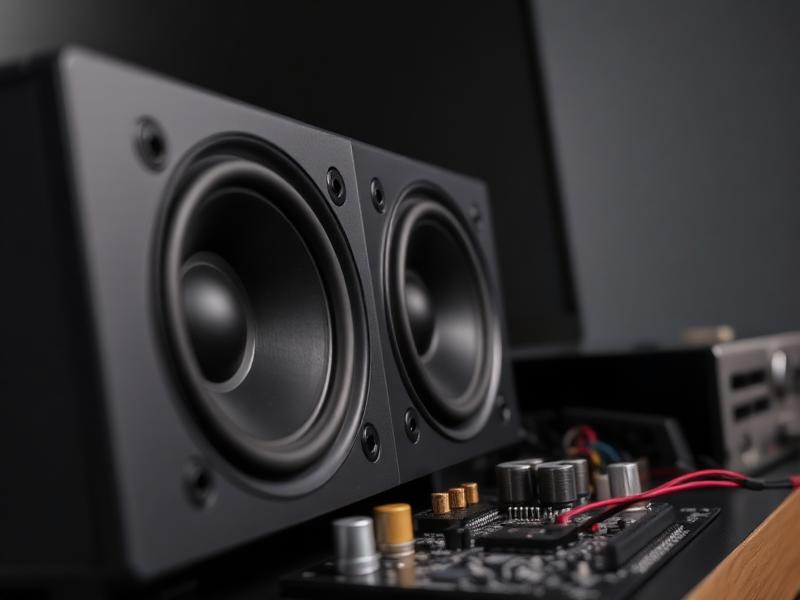
The TV may be set to an external output such as Bluetooth, ARC or optical, so the internal speakers stay silent.
The audio amplifier IC on the main board fails, producing no output, distortion or sound on one channel only.
Blown speaker cones and detached speaker connectors cause buzzing, rattling and missing channels.
Firmware bugs and incorrect audio format settings on a connected device can mute the output on specific inputs.
Do not open the television or work on its internal parts yourself. Panels and power boards hold stored electrical charge even when unplugged, so internal work should be left to a technician.
Share your details and we will call you back.
How it works
Four clear steps, from your first message to a tested television.
Send your TV type, brand, problem and area through the form, phone or WhatsApp.
We confirm a convenient slot and a technician reaches your address with tools.
The TV is inspected, the actual fault is identified and explained to you.
Repair or part replacement is carried out after your approval, then tested.
Most often it is either the audio output routing in settings or a failed amplifier stage on the main board. Testing several sources quickly narrows down which.
Yes, speaker units are replaceable on most models, and the technician matches the size and rating to your set.
Distortion that appears at high volume usually points to a damaged speaker cone or an amplifier that is failing under load.
Yes, that pattern usually means the internal speaker path or amplifier is faulty, since the signal itself is clearly present.
Tell us what is wrong with your TV and request professional repair service.